I Almost Quit Working From Home. Then I Automated My Life.
I was great at automating code and terrible at automating life. These 10 tools changed the ratio of chaos to calm for good—and gave me back time with my family.
There was a Tuesday afternoon — both kids home sick, a deployment broken in staging, and three Slack threads I hadn't touched in four hours — when I genuinely wondered if working from home was worth it. I had built a career around systems and logic, and yet my actual life felt completely unmanaged. I was the bottleneck in my own household.
That's when it clicked: I automate infrastructure for a living. I had GitHub Actions running before I drank my first coffee. But dinner? I was still staring at an empty fridge at 5:30 PM wondering what to make. My calendar was a graveyard of intentions. Bills were late. I was efficient at work and a mess at everything else.
If that sounds familiar, this post is for you. These are the 10 tools that actually changed the ratio of chaos to calm in my WFH life — not productivity theater, but real systems that quietly run in the background while you focus on the work (and the people) that actually need you.
The Work Tools That Buy Back Your Afternoons
1. GitHub Actions / GitLab CI — Your Deploy Should Run Without You
What it does: Automates testing, building, and deployment Time saved: 2–5 hours/week Setup time: 1–2 hours initially Best for: Developers who deploy frequently
If you're still manually triggering deployments or running tests locally before every PR, you're burning time that could be spent at dinner. GitHub Actions is the first thing I set up on any project now — automated testing on every PR, auto-deploy on merge to main, done.
Pro tip: Set up a Slack notification when a deploy fails so you're not checking dashboards. The pipeline tells you, not the other way around. See how I structure my WFH tech stack →
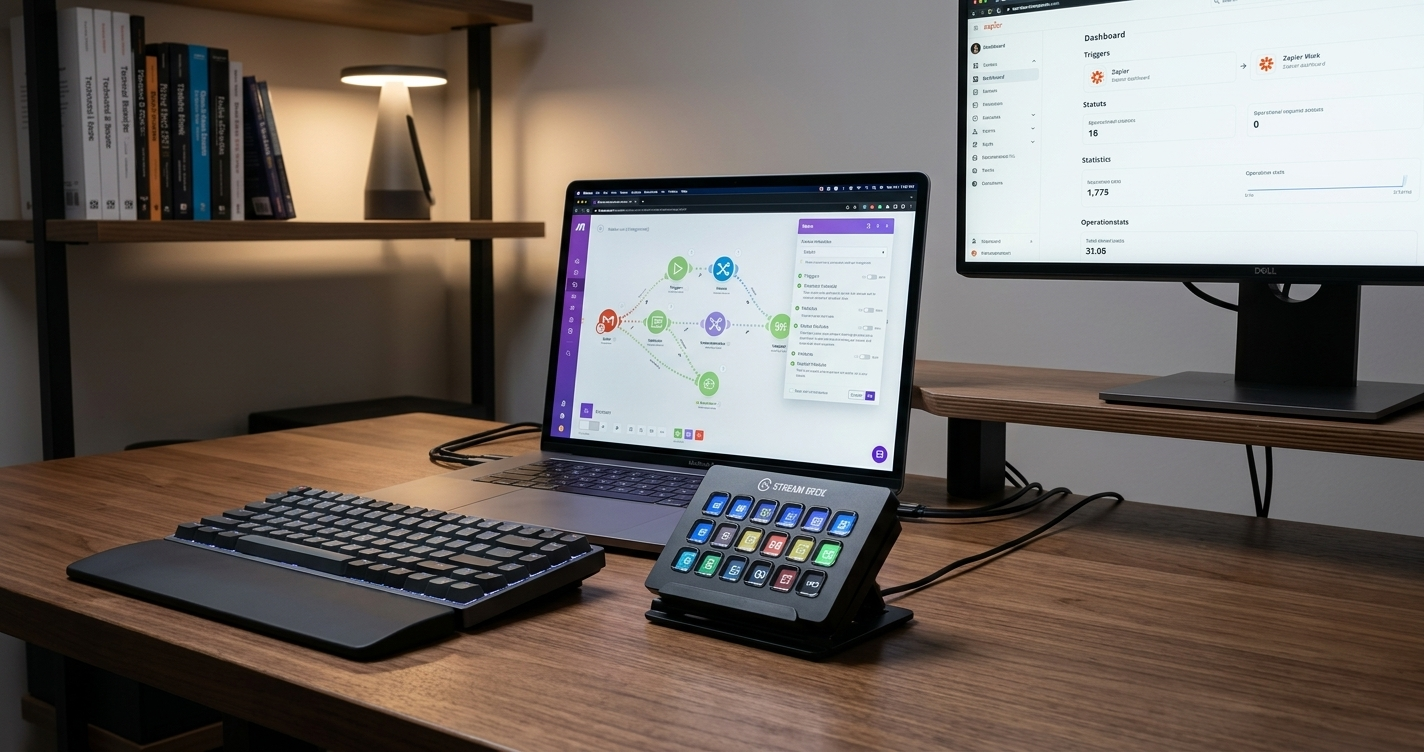
2. Zapier or Make — The Glue Between Every App You Use
What it does: Connects apps and automates workflows Time saved: 3–8 hours/week Setup time: 30 minutes per automation Best for: Non-technical automation (email, calendar, task management)
Here's a workflow I set up in 20 minutes that I think about maybe once a year: any email with the subject "invoice" automatically creates a task in my project manager, tags it as "finance," and adds it to a Google Sheet. It just happens.
Zapier isn't glamorous. It's the duct tape behind a smooth operation. Some automations worth starting with:
- Auto-create calendar events from emails
- Sync tasks between tools when a status changes
- Auto-respond to common client requests with templated replies
3. TextExpander or PhraseExpress — Never Type the Same Thing Twice
What it does: Expands shortcuts into full text Time saved: 1–2 hours/week Setup time: 15 minutes Best for: Repetitive typing (code snippets, email templates, documentation)
I used to retype my email signature, my standard "I'll take a look and get back to you by EOD" reply, and my most common code boilerplate dozens of times a day. Now I type /sig or /eod and it's done. Fifteen minutes of setup. Permanent payoff.
This one sounds small. It isn't. Related: How I protect my deep work hours as a parent →
4. Alfred (Mac) or PowerToys (Windows) — Your Computer Should Work at the Speed of Your Brain
What it does: Keyboard shortcuts and app launcher Time saved: 30 minutes/day Setup time: 1 hour Best for: Power users who want to work faster
The first time I showed my partner Alfred's clipboard history — where it stores everything you've copied and lets you search it — she immediately installed it on her own machine. It's one of those tools where you don't realize how much time you were wasting until you stop wasting it.
Features worth knowing about:
- Clipboard history (searchable)
- Quick file search
- Custom workflows
- Calculator and unit converter
5. IFTTT — The Smart Home's Best Friend
What it does: Simple automation for smart home and apps Time saved: 1–2 hours/week Setup time: 5 minutes per applet Best for: Smart home integration and simple automations
IFTTT is where work automation meets home automation. It's simpler than Zapier and perfect for things like: turning off all smart plugs when you "close" your workday, getting a phone notification when a package is delivered, or logging your hours automatically when you connect to your home WiFi. Five minutes per applet, set it and forget it.
The Home Systems That Make WFH Actually Sustainable
This is the section most productivity blogs skip. It shouldn't be.
6. Meal Planning Apps — The Decision You Should Never Make at 5 PM Again
What it does: Plans meals and generates shopping lists Time saved: 2–3 hours/week Options: Mealime, Paprika, Plan to Eat Best for: Reducing decision fatigue around meals
My spouse and I used to have what we privately called "the 5 o'clock standoff" — standing in the kitchen, exhausted, neither of us wanting to decide what to cook. We finally admitted it wasn't about motivation. It was about decision fatigue.
Apps like Mealime, Paprika, or Plan to Eat generate a week of meals and auto-build your grocery list. Pair that with a grocery delivery service and you've eliminated the decision, the store trip, and the standoff. More on managing decision fatigue as a WFH parent →
7. Smart Home Automation — Your House Should Know Your Schedule
What it does: Automates lights, temperature, and daily routines Time saved: 30 minutes/day Setup time: 2–3 hours initially Best for: Creating morning and evening routines that run themselves
Our morning used to start with four people fighting over light switches, thermostats, and whether the coffee was ready. Now the lights in the kitchen gradually brighten at 6:45 AM, the thermostat bumps up ten minutes before anyone wakes up, and the coffee maker is done before my feet hit the floor.
None of this required a custom app or an engineering degree. A few smart plugs and twenty minutes in the Alexa or Google Home app. The Kasa smart plug line is a reliable, affordable starting point that doesn't require a separate hub.

Kasa Smart Plug HS103P4
Control any device from your phone. Perfect for automating coffee makers, lamps, and other appliances. Set schedules so your home adapts to your routine automatically—no hub required.
As an Amazon Associate, we earn from qualifying purchases. This helps support our blog at no extra cost to you.
 Trusted marketplace
8. Bill Pay Automation — The Bill You Missed Wasn't Worth the 25-Minute Fix
What it does: Pays recurring bills automatically Time saved: 30 minutes/month Setup time: 1 hour Best for: Never missing a payment
Set it up once: autopay on every recurring bill, paid via a rewards credit card, which itself autopays in full each month. That's it. You've just eliminated an entire category of mental overhead.
9. Calendar Blocking Tools — Protect Your Time or Someone Else Will
What it does: Automatically blocks time for focused work Time saved: 1–2 hours/week Options: Reclaim.ai, Clockwise, Calendly Best for: Protecting your time automatically
Tools like Reclaim.ai or Clockwise automatically defend your calendar. Deep work blocks get scheduled around meetings. Lunch doesn't disappear into a 12 PM standup. When a new meeting request comes in, it finds an actual gap instead of landing on top of the work that was supposed to ship that day.
If you've ever finished a workday and wondered where it went, this is the tool that answers the question — and prevents it from happening again. How I built a WFH schedule that actually protects family time →
10. Password Managers — The Five Minutes That Protects Everything
What it does: Stores and fills passwords securely Time saved: 15 minutes/day Options: 1Password, LastPass, Bitwarden Best for: Security and convenience for the whole family
1Password, Bitwarden, LastPass — pick one and actually use it. The time savings are real (no more reset-password loops), but honestly the bigger win is that everyone in the house has strong, unique passwords on every account without needing a computer science degree to manage them. Set up family sharing. Make it a house rule. It's one of those things you do once and then never think about again.
How to Actually Start (Without Overhauling Your Entire Life This Weekend)
The mistake most people make is trying to automate everything at once. They spend a Saturday building a Zapier empire and by Monday, three of the zaps are broken and they've given up entirely.
Here's a better path:
This week: Install a password manager. Set up one bill on autopay. Those two things alone remove a category of friction.
This month: Set up GitHub Actions on your main project. Create five TextExpander shortcuts for things you type every day. Try one week of meal planning with an app.
This quarter: Build one smart home routine. Add calendar blocking. Review your Zapier automations and kill the ones you've forgotten about.
The Automation Philosophy That Actually Sticks
The goal isn't a fully automated life. The goal is a life where the routine stuff runs quietly in the background so your best thinking — and your best parenting — can go where it actually matters.
A few principles worth keeping in mind:
- Start small. One pain point, one solution. Don't try to boil the ocean.
- Measure it. If an automation doesn't save meaningful time, cut it.
- Keep it invisible. The best automation is one you forget exists.
- Review quarterly. What worked last year might be broken now — or just irrelevant.
If you want to go deeper on building systems that work for your specific WFH setup, start here: The WFH Parent's Guide to Designing a Week That Works →