Building a Home Office That Works for Families (Not Against Them)
Learn how to design a functional workspace that accommodates both your tech career and your family life. Practical tips for creating boundaries without building walls.
The WFH Parent's Dilemma
As a tech professional working from home, you need focus. As a parent, you need to be accessible. These needs seem contradictory, but with the right setup, you can have both.
Location, Location, Location
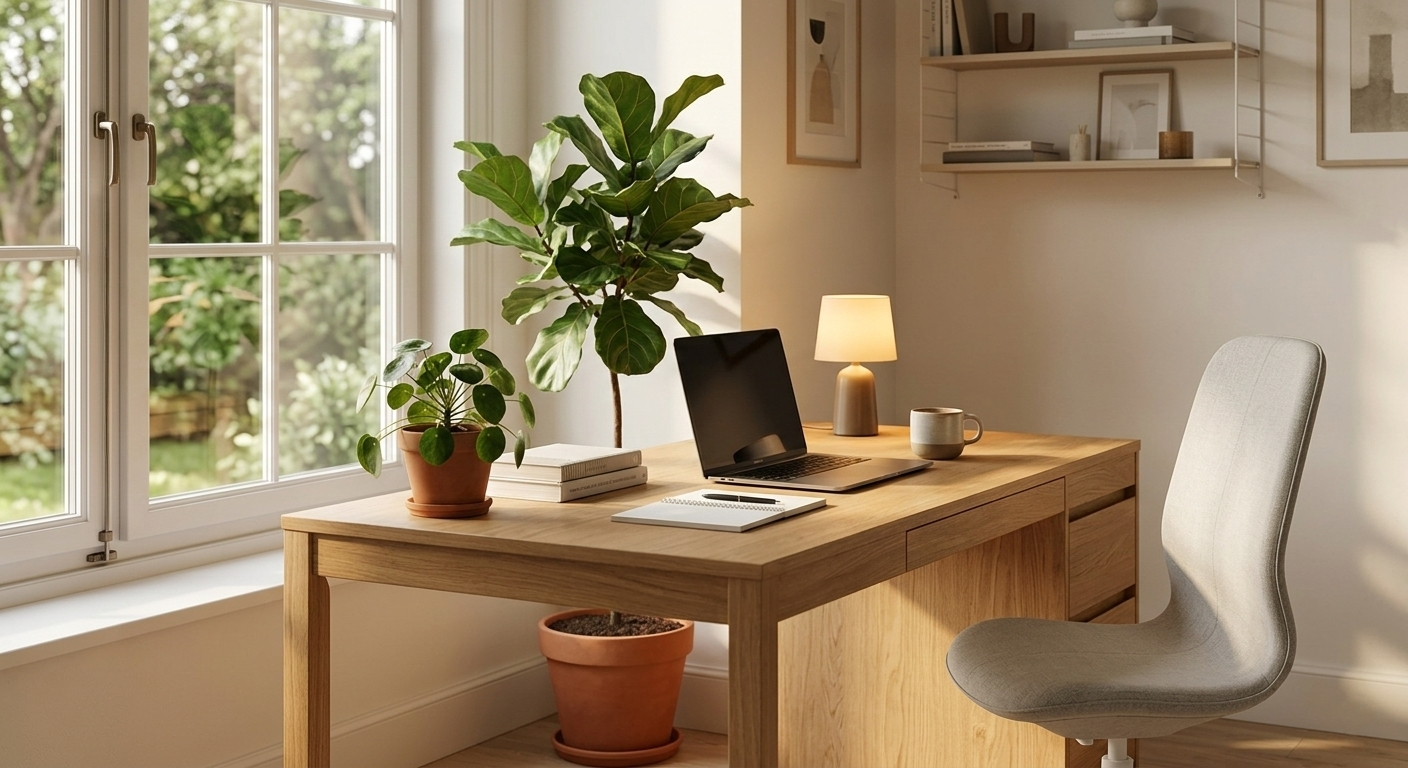
The ideal spot: A dedicated room with a door is the gold standard, but not everyone has that luxury. Here's how to make any space work:
If You Have a Spare Room
- Pros: True separation, can close the door, professional feel
- Cons: Can feel isolated from family
- Solution: Use a glass door or keep it open when not in deep focus mode
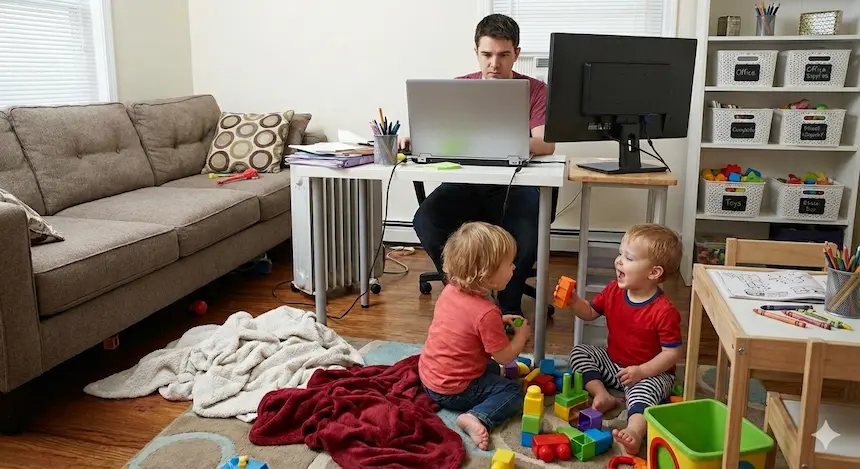
If You're in a Corner of a Shared Space
- Pros: Stay connected to family, easier to monitor kids
- Cons: More distractions, less privacy
- Solution: Use visual barriers (room dividers, bookshelves) and noise-canceling headphones
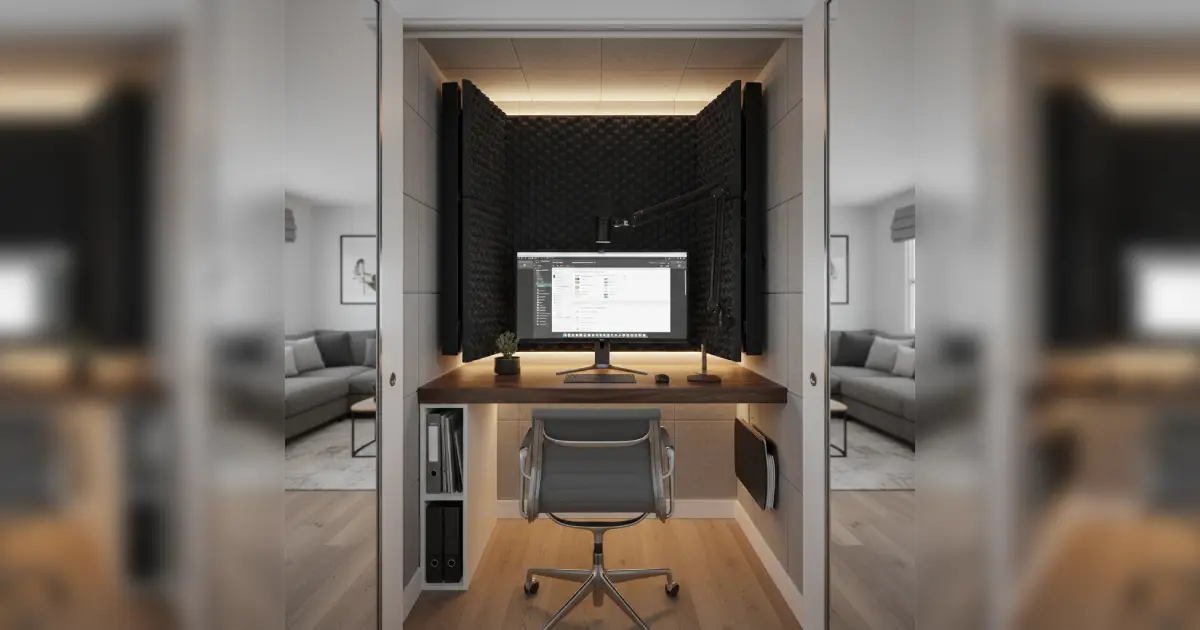
If You're in a Closet or Nook
- Pros: Maximizes small spaces, creates clear boundaries
- Cons: Can feel cramped, ventilation concerns
- Solution: Ensure good lighting, add a small fan, use vertical storage
Essential Equipment for WFH Parents
1. Noise-Canceling Headphones
Why: Block out household noise during calls and deep work Recommendation: Sony WH-1000XM5 or Bose QuietComfort 45 (worth the investment)
2. Visual "Do Not Disturb" Signal
Why: Kids need clear boundaries they can understand Options:
- Traffic light system (red = busy, yellow = can interrupt for emergencies, green = available)
- Simple sign on your desk or door
- Colored light that changes based on your availability
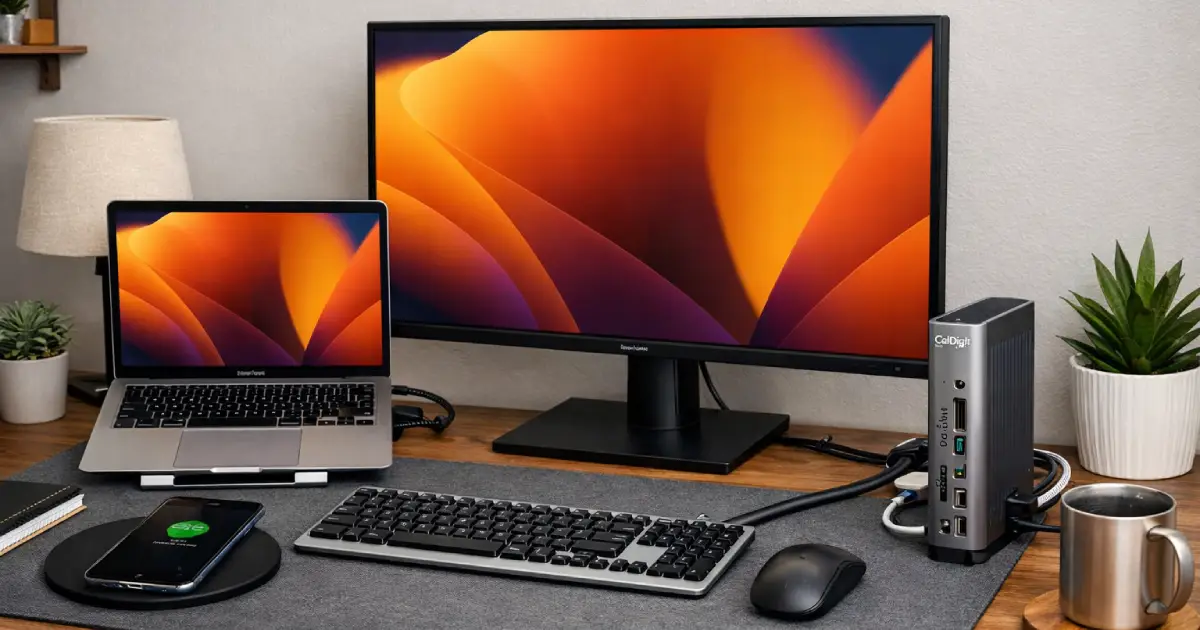
3. Dual Monitor Setup
Why: Essential for development work, allows you to see kids in background if needed Pro tip: Use one monitor for work, position another to see the room if needed
4. Ergonomic Everything
Why: You're going to be here a lot. Your body will thank you.
- Adjustable standing desk (or desk riser)
- Ergonomic chair
- Monitor at eye level
- Wrist support for keyboard/mouse
5. Quick-Switch Setup
Why: Sometimes you need to transition from work to parent mode instantly
- Easy-to-reach storage for work items
- Clear space for kids' activities when they join you
- Charging station for all devices
Creating Boundaries That Work
Physical Boundaries
- Door or divider: Even a curtain can signal "work space"
- Dedicated desk: Don't work from the kitchen table (it blurs lines)
- Work-only items: Keep personal items separate
Time Boundaries
- Start/end rituals: Light a candle, play specific music, or do a quick stretch to signal work mode
- Visible clock: Helps you track time and take breaks
- Calendar visible to family: Kids can see when you have meetings
Communication Boundaries
- Slack/email status: Use "In a meeting" or "Deep work" statuses
- Family communication: Establish how kids can reach you during work hours
- Emergency protocol: Define what constitutes an emergency interruption
Making It Family-Friendly
Kid-Friendly Elements
- Small desk or table nearby: Kids can "work" alongside you
- Quiet activities basket: Puzzles, coloring books, quiet toys for when they need to be near you
- Snack station: Reduce interruptions for basic needs
- Comfortable seating: Bean bag or small chair for reading time
Shared Spaces
If your office doubles as a playroom or family space:
- Storage solutions: Bins and shelves to quickly clear work surfaces
- Foldable desk: Can be put away when not in use
- Mobile cart: Keep work items on a cart you can move
The Tech Setup
Internet & Connectivity
- Reliable router: Invest in mesh WiFi if you have a larger home
- Ethernet connection: For critical calls and deployments
- Backup internet: Mobile hotspot as backup
Video Call Setup
- Good lighting: Ring light or window lighting
- Clean background: Or use virtual backgrounds
- Quality microphone: Reduces background noise pickup
- Camera positioning: Eye level, not looking down
Maintaining Your Space
Daily
- Clear desk at end of day
- Charge all devices
- Reset for tomorrow
Weekly
- Deep clean (dust, organize cables)
- Review and organize digital files
- Check equipment functionality

Under Desk Cable Management Tray
Keep cables organized and out of sight for a cleaner, more professional workspace. Easy to install under any desk and holds power strips, cables, and adapters. A simple solution that makes your home office look more polished.
As an Amazon Associate, we earn from qualifying purchases. This helps support our blog at no extra cost to you.
 Trusted marketplace
Monthly
- Reassess what's working
- Update setup based on changing needs
- Declutter and organize
Common Mistakes to Avoid
- Working from bed or couch: Kills productivity and sleep quality
- No boundaries: Working everywhere means you're never "off"
- Ignoring ergonomics: Short-term savings, long-term pain
- Isolating completely: Balance privacy with family connection
- Not adapting: Your needs will change as kids grow
Your Action Plan
- Assess your current space: What's working? What's not?
- Identify your biggest challenge: Noise? Distractions? Lack of space?
- Start with one improvement: Don't try to overhaul everything at once
- Test and adjust: Give changes time, then refine
- Involve your family: Get their input on what works for everyone
Remember: The perfect home office is the one that helps you do great work while staying present for your family. It doesn't have to look like a corporate office—it just needs to work for YOUR life.