The Calm Developer: Designing a Workday That Lowers Anxiety
Anxiety in tech isn't always about the work itself — it's about how the workday is structured. Notification chaos, fragmented tasks, no clear end, and invisible friction points compound silently. Here's how to engineer a calmer day using systems thinking.
The Anxiety Isn't the Work. It's the Structure Around It.
Most developers assume the anxiety comes from the hard stuff.
The production incident.
The deadline.
The code review that went sideways.
And sometimes it does.
But more often, the low-grade anxiety that follows you through the day — and into the evening — isn't coming from the work itself.
It's coming from the structure around it.
Or rather, the lack of one.
The notification that interrupted your flow state.
The task list that grew while you weren't looking.
The workday that ended at 6 PM in theory and 10 PM in practice.
The hundred small friction points that never got resolved because they weren't worth a ticket.
None of these feel like a crisis in isolation.
Together, they're a slow leak.
The calm developer isn't someone who does easier work.
They're someone who built a better container for it.
Why Tech Minds Are Especially Vulnerable
Software development rewards a particular kind of mental state: sustained, focused, single-threaded thinking.
Deep work. Flow. Whatever you call it.
But the modern remote workday is structurally hostile to that state.
Slack, Teams, email, GitHub notifications, Jira updates, calendar pings — each one is a context switch. And context switches aren't free. Research consistently shows it takes 15–20 minutes to fully re-enter a deep focus state after an interruption.
If you're getting interrupted every 20–30 minutes, you're never actually getting there at all.
You're spending the day feeling busy — moving between tasks, clearing notifications, responding, reacting — while the work that actually requires you, the architectural thinking, the hard debugging, the real problem-solving, keeps getting deferred.
That gap between what you intended to do and what you actually did?
That's where a lot of developer anxiety lives.
The fix isn't to care less.
It's to build better systems.
Five System Changes That Lower the Baseline
1. Notification Batching
Real-time notifications are a design choice made by apps to maximize engagement.
They were not designed with your nervous system in mind.
Every ping is a micro-interruption. Even the ones you don't act on. Your brain registers the notification, makes a judgment call, and either switches contexts or suppresses the impulse — both of which have a cognitive cost.
Notification batching is simple: instead of responding to communication in real time, you designate two or three windows in the day for it.
A common structure:
- Morning batch (9:00–9:30 AM) — Review overnight messages, set priorities, respond to anything urgent.
- Midday batch (12:30–1:00 PM) — Check in after the morning deep work block.
- Late afternoon batch (4:00–4:30 PM) — Close out threads, set expectations for tomorrow.
Between those windows, notifications are off. Not silenced — off.
The objections:
"What if something urgent comes up?" — Define what urgent actually means. For most developers, genuine fire-drill urgency happens a few times a month, not multiple times a day. Everything else is ambient noise dressed up as urgency.
"My team expects fast responses." — Set a status message. "Heads-down until 12:30" is a complete sentence. Most teams adapt immediately when expectations are set clearly.
The change in baseline anxiety when you stop treating every message as something that demands immediate attention is hard to overstate.
You stop feeling like you're always behind.
Because you were never meant to be always available.
2. Task Chunking
An unbounded task list is an anxiety machine.
Most developers start the day with a sprawling backlog — tickets, follow-ups, side conversations, things half-finished from yesterday — and then spend the morning choosing what to work on while simultaneously trying to work on it.
That's two jobs running at once. And neither gets done well.
Task chunking separates the planning from the doing.
The night before, or first thing in the morning before opening any communication tools, you make one decision: what are the three things that need to happen today?
Not ten. Not "everything on the board." Three.
Then you time-block them. Each chunk gets a specific slot in your calendar — not a to-do list, an actual scheduled block with a start time and a defined end.
9:00–11:00 AM  →  Deep work: Refactor auth module
11:00–12:30 PM →  Focused: Code review + PR comments
1:30–3:00 PM   →  Deep work: Draft architecture doc
This does three things:
- Eliminates decision fatigue — you're not choosing what to work on throughout the day, you already decided.
- Creates artificial boundaries — a task with a defined end time is less threatening than one floating open-endedly on a list.
- Makes your capacity visible — when someone asks you to add something, you can see exactly where (or whether) it fits.
The anxiety of "I don't know if I'll get everything done" is largely an information problem. Chunking turns a formless pile of work into a legible schedule.
3. The Daily Shutdown Routine
This is the most underrated system on this list.
And the most commonly skipped.
Remote workers don't have a commute. No physical transition. No moment where the building doors close behind you and work stays inside.
So it doesn't stay inside.
It follows you to dinner. It shows up when you're trying to sleep. It turns Sunday evening into a low-grade rehearsal for Monday morning.
The daily shutdown routine is a deliberate, repeatable sequence that closes the workday.
The goal isn't just to stop working. It's to complete the cognitive loop — to give your brain a clear signal that the work has been handed off, that nothing urgent is falling through the cracks, that it's safe to let go.
A five-minute version that works:
- Review what got done — three sentences. Not a performance review, just an acknowledgment.
- Capture open loops — anything unfinished that's rattling around gets written down. Externalizing it takes it out of your working memory.
- Set tomorrow's first task — just one. The first thing you'll do when you sit down, already decided.
- Close everything — tabs, apps, Slack, email. Everything.
- Say it out loud — this sounds strange but it works. "Shutdown complete." A verbal declaration acts as a stronger cognitive anchor than a silent tab-close.
The key is consistency. Done daily at the same time, this routine trains your nervous system to associate the sequence with release. After a few weeks, the anxiety that normally lingers into the evening starts to dissolve at the moment you begin the ritual — before you've even finished it.
4. Visual Cleanliness
Clutter is a passive stressor.
Not the dramatic kind that demands attention. The quiet kind — the stack of papers at the edge of your desk, the thirty browser tabs you're "keeping open just in case," the desktop covered in files — that creates a steady background noise of incompleteness.
Your brain interprets visual disorder as unfinished business.
Every object out of place is a tiny open loop.
Visual cleanliness isn't aesthetics. It's cognitive hygiene.
The most impactful places to address:
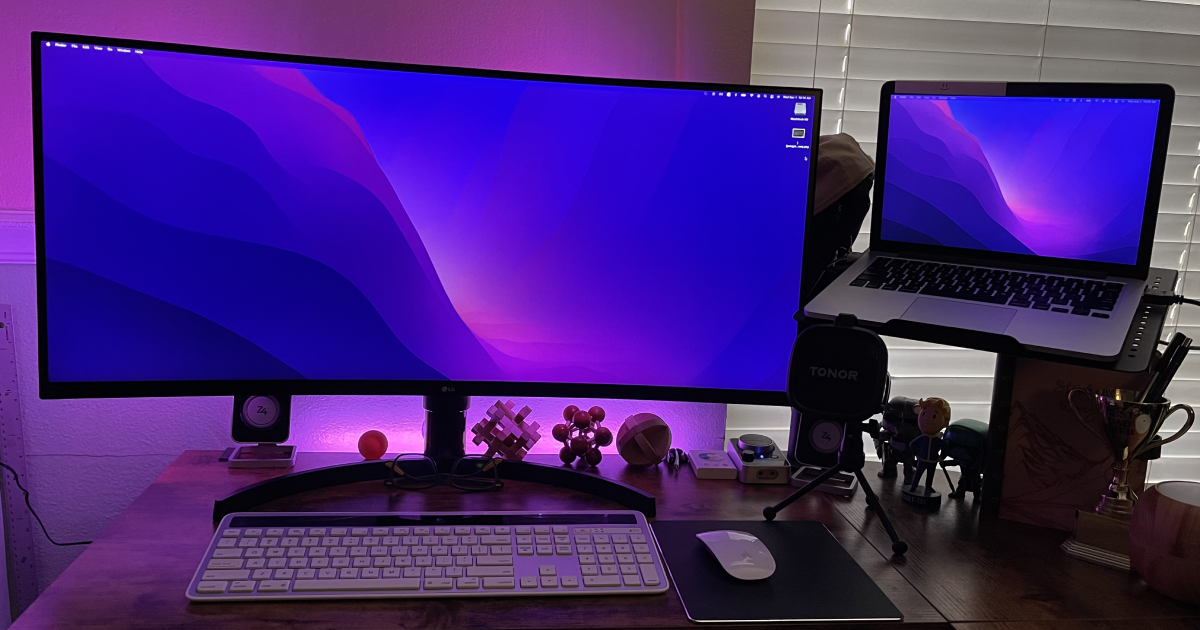
Physical desk surface. Apply the rule: if it's not used today, it doesn't live on the desk. Cables managed. Nothing decorative that you've stopped noticing. What remains should be functional, or genuinely pleasing to look at — not just there by inertia.
Desktop and browser. A desktop covered in files is a to-do list you can't close. Folder everything. Use a browser profile dedicated to work, and close it fully at the end of the day. The act of reopening it each morning is a light, low-friction transition into work mode.
Notification badges. Unread counts on app icons are deliberately designed to create urgency. Turn off badge notifications for non-critical apps. An inbox showing "47 unread" is anxiety you're carrying around on your dock all day.
You don't have to be a minimalist.
You just have to stop letting entropy accumulate passively in your visual field.
5. Automating Small Friction Points
Friction is insidious because individual instances feel too small to fix.
A login that takes 30 seconds.
A tool that requires four clicks to get to.
A daily standup note you write from scratch every morning.
A task that always involves the same three manual steps.
None of these are worth a ticket.
Together, they add up to minutes every day, and more importantly, micro-doses of frustration that never discharge. They become background irritants — small things that would take 20 minutes to fix but that you've instead been paying 30 seconds a day, every day, indefinitely.
The anti-anxiety approach: a weekly 20-minute friction audit.
Once a week, ask: what annoyed me this week that I just absorbed?
Then fix one of them. Not all of them. One.
Some tools and approaches worth having in your arsenal:
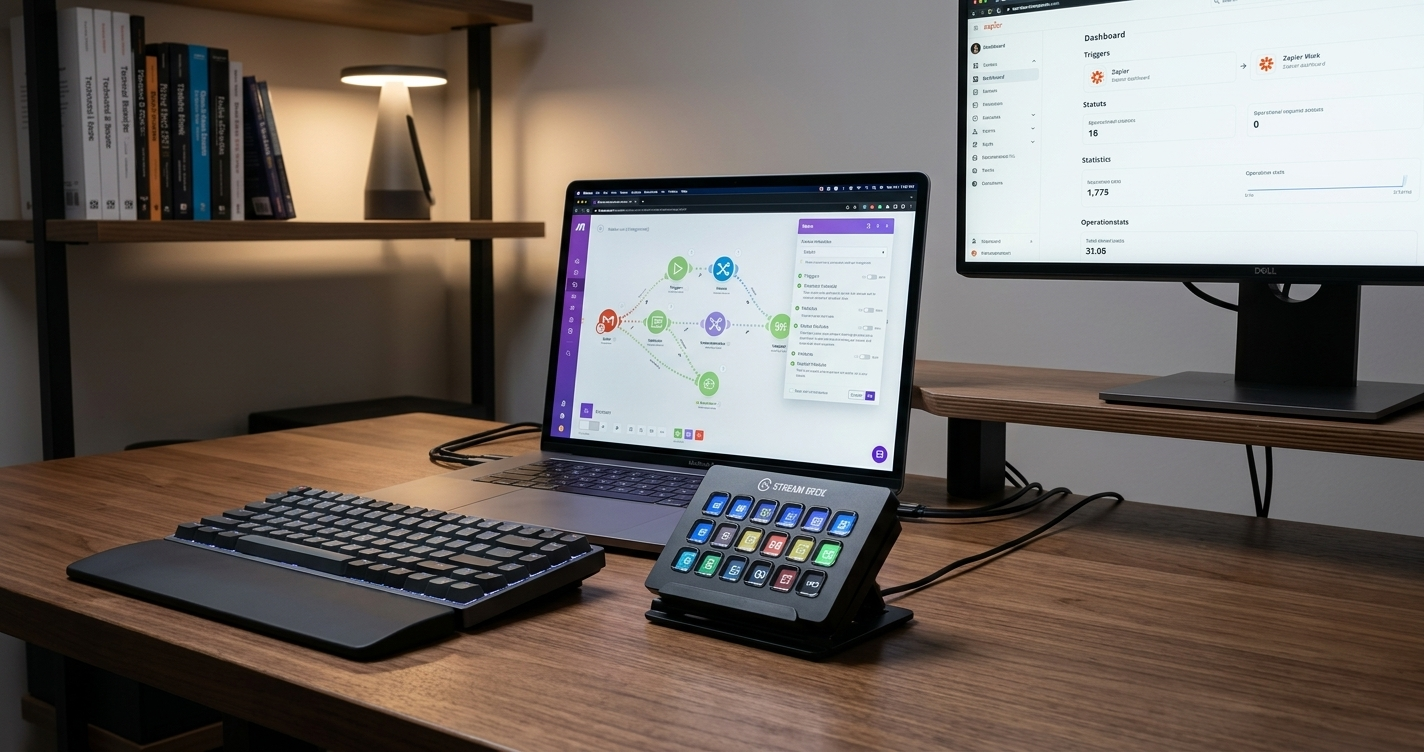
- Text expanders (Raycast, Espanso, TextExpander) — turn repetitive typing into a two-keystroke shortcut
- Keyboard launchers (Raycast, Alfred) — eliminate mouse navigation for frequent workflows
- Template files — standup notes, PR descriptions, meeting agendas; never write from scratch again
- Calendar automations — recurring blocks for deep work, shutdown routine, batch windows; book the structure before the week fills in
- Shell aliases and scripts — if you're typing the same terminal commands daily, it costs five minutes once to alias them
The aggregate effect of eliminating recurring friction isn't just time.
It's a quieter day.
Every small irritant you remove is a micro-stressor you're no longer absorbing.
That compounds too — in the right direction.
Recommended Tool: VASAGLE Mobile Filing Cabinet
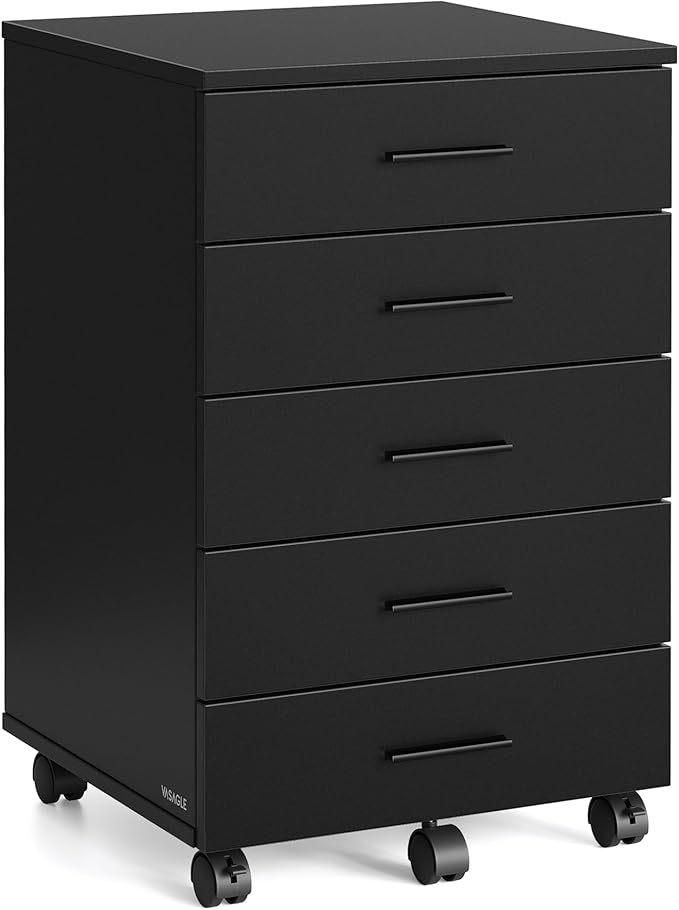
VASAGLE File Cabinet, Mobile Pedestal Filing Cabinet with Wheels
A cluttered desk is a cluttered mind — and a filing cabinet that actually moves is the lowest-friction way to solve both. The VASAGLE 5-drawer pedestal rolls under or beside your desk to keep documents, supplies, and everyday essentials off your surface and out of your sightline. Tool-free assembly and locking wheels mean it sets up in minutes and stays put when you need it to. The matte ink black finish works with almost any desk setup without announcing itself. Functional storage that disappears into the workspace — exactly what it should do.
As an Amazon Associate, we earn from qualifying purchases. This helps support our blog at no extra cost to you.
 Trusted marketplace
You Can't Think Your Way to Calm
Most developers try to manage anxiety by working harder — closing the loop, clearing the backlog, staying on top of everything.
It doesn't work.
Because the source of the anxiety isn't the content of the work.
It's the structure — the way the day is organized, how information arrives, whether there's ever a real end, whether the small frictions just quietly accumulate.
None of the five systems in this post are complicated.
None require a new productivity philosophy or a personality overhaul.
They're structural changes. Environmental decisions. The kind of thing an engineer does when a system keeps producing the wrong output — not blame the output, but examine the architecture.
Your workday is a system.
Design it like one.