My Kid Walked Into a Client Call in a Superhero Cape. Here's the System I Built After That.
WFH parents don't need perfect meetings—they need a system for when things go sideways. Here's exactly how to run professional video calls without pretending your family doesn't exist.
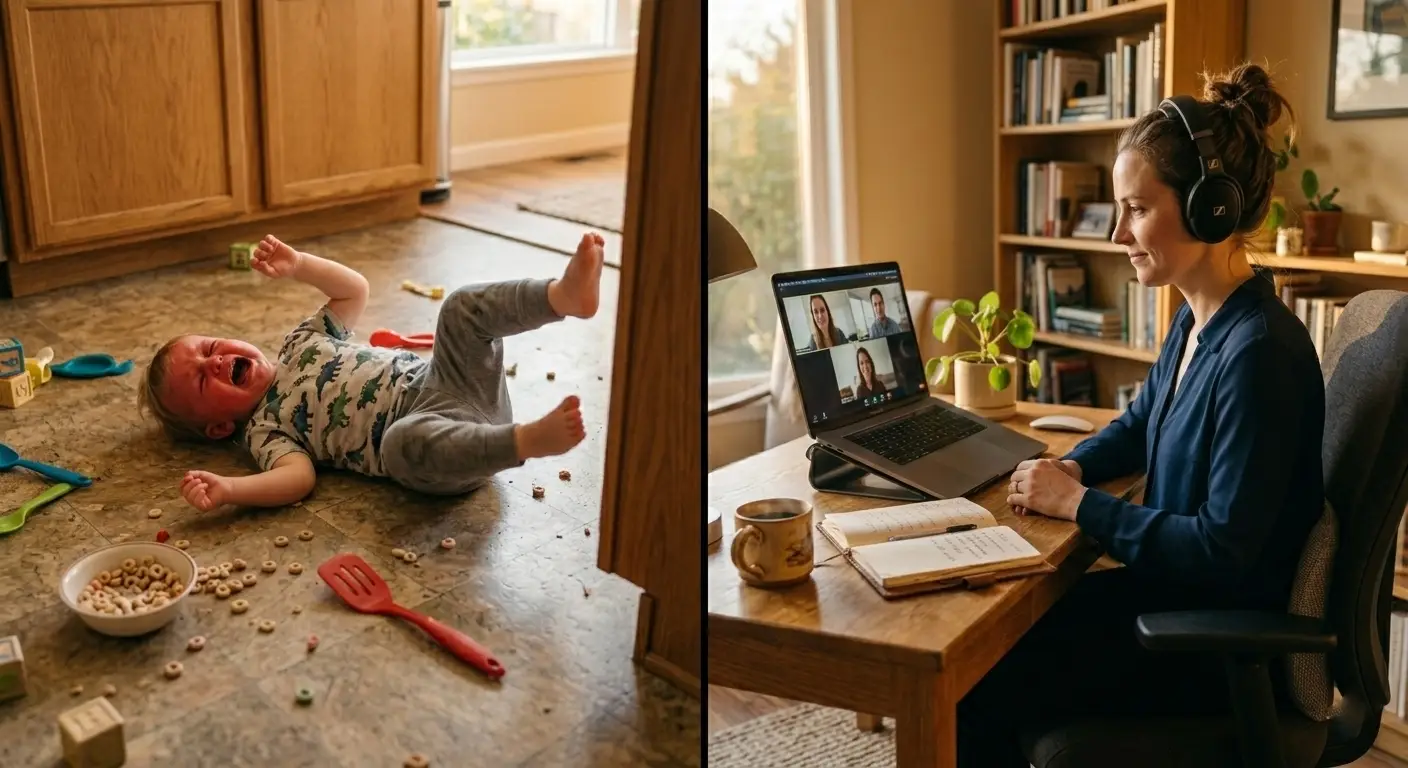
It was a product review with six stakeholders I'd never met before. I was mid-sentence explaining our Q2 roadmap when my four-year-old appeared in the doorway behind me — full Batman costume, cape and all — announcing that she needed a snack right now.
Six faces on my screen. Six people watching me decide how to handle it.
I smiled, said "one second," muted myself, walked her out, closed the door, unmuted, and kept going. Nobody mentioned it. The meeting ended well. We got the project approved.
But that night I realized I had gotten lucky. I didn't have a system — I had improvised and it happened to work. That's not something you want to bet your professional reputation on every day.
So I built a system. This is it.
Why Most WFH Meeting Advice Misses the Point
Most tips you'll find online are written for people without kids in the house — quiet background, controlled environment, full attention available. That's not our reality.
The goal for WFH parents isn't a perfect meeting. It's a meeting that stays on track even when your home doesn't cooperate. That requires a different kind of preparation: not just tech setup, but communication systems with your family, interruption recovery scripts, and honest calibration of which meetings actually need your full defensive posture.
Related: How I structure my WFH week around my family's real schedule →
Before the Meeting: The Setup That Actually Matters
Color-Code Your Calendar for Interruptibility — Then Share It With Your Family
Not every meeting carries the same stakes. The first thing I did was build a tiered system with my family:
- Red: Cannot be interrupted (client calls, presentations, performance reviews)
- Yellow: Can handle brief interruptions (team standups, planning sessions)
- Green: Flexible (casual check-ins, brainstorming)
I printed a simple color legend and taped it to my office door. Even my four-year-old learned what red meant. It sounds almost too simple — and that's exactly why it works. See how I talk to my kids about work time →
The 15-Minute Pre-Meeting Protocol for High-Stakes Calls
For anything red on the calendar, I run the same checklist every time:
10 minutes before:
- Brief the kids. "Dad has an important call for 30 minutes." Show them a visual timer so the end isn't a mystery.
- Set up their activity. Not any activity — one I know from experience buys me uninterrupted time (for us, that's audiobooks or a specific building toy).
- Position my camera to minimize background distractions.
5 minutes before:
- Test audio and video.
- Close every unnecessary application.
- Notes visible, water within reach, phone on silent.
- Mute on by default until the call starts.
The difference between scrambling into a meeting and walking in calm is almost entirely this ten-minute window.
During the Meeting: A Tiered Response to Every Type of Interruption
The Interruption Hierarchy
One of the most useful things I did was stop treating every interruption the same. There are really only three levels:
Level 1 — Background noise (kids playing, a distant shout): Don't over-apologize. A quick "sorry for the background noise" and you move on. Most people aren't paying as much attention to your home environment as you think they are.
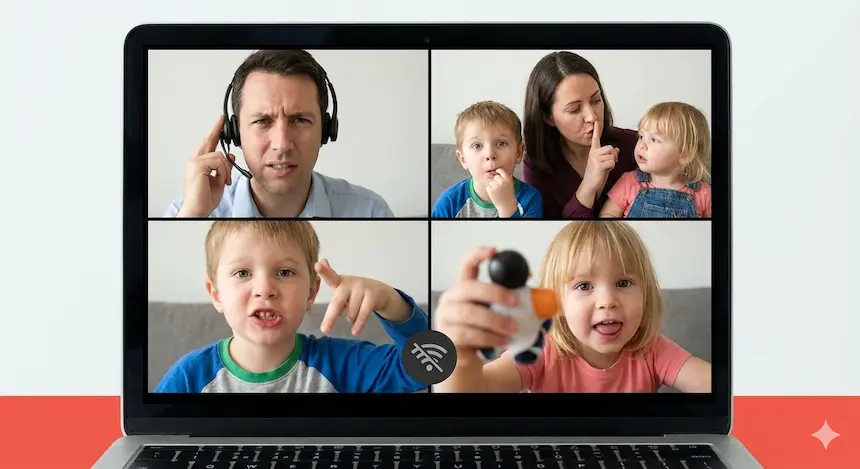
Level 2 — Visual interruption (kid walks in, quick question): "Hang on one second, team" → mute → address it in ten seconds → unmute → "Sorry about that, where were we?" Done. The key is speed and zero embarrassment in your tone.
Level 3 — Urgent situation (someone's hurt, a genuine meltdown): "I need to step away for two minutes" → handle it → return with "Sorry, had a quick family situation. I'm back." No lengthy explanation needed. People respect honesty and brevity over elaborate excuses.
The Script Library (Save These)
The parents who handle interruptions best aren't calmer or luckier — they've pre-loaded their responses so they don't have to improvise under pressure.
For minor interruptions:
- "Apologies for the background noise — working from home today."
- "That's my daughter — she had a question. Back to it."
For needing to step away:
- "Can we take a two-minute break? I need to handle something."
- "Let me mute while you all discuss — I'll be right back."
For significant disruptions:
- "I'm dealing with an unexpected situation — can we reschedule for [specific time]?"
- "I need to drop off, but I'll send my input via email within the hour."
Having these phrases ready isn't about being robotic. It's about not burning mental energy on word-finding in the exact moment you need your brain elsewhere.
Meeting Types: Matching Your Strategy to the Stakes
The Daily Standup (10–15 minutes)
Schedule these early — before the household noise ramps up, or during a predictable quiet window. Give your update concisely and first if you can, so if you need to drop, you've already contributed. Keep a breakfast activity ready that reliably buys you fifteen minutes.
The Deep Work Session (60+ minutes)
These need real backup. Either your partner is actively on kid duty, it's during nap time, or it's after bedtime. This is the meeting type where noise-canceling headphones aren't optional — they're the tool that keeps you mentally present when you can hear your household through the wall.
The Client Presentation (30–60 minutes)
This is the only meeting type where I'd say: get guaranteed childcare coverage. Partner on active duty in another part of the house, door locked if your kids are boundary-pushers, mobile hotspot ready if your WiFi decides to have a moment. Do a full dress rehearsal the night before, tech included.
The Brainstorming Session (30–45 minutes)
These are naturally more casual and absorb interruptions better than almost any other format. Join with video initially to establish presence, contribute actively in the first ten minutes, then switch to audio-only if you need to. Nobody penalizes you for it in a session like this.
The Video On/Off Question (The Answer Is Simpler Than You Think)
Default to video ON for: client-facing meetings, presentations, first-time meetings with new colleagues, performance reviews.
Video OFF is completely fine for: large meetings where you're mostly listening, recurring standups with your established team, any meeting where your audio contribution matters more than your face.
The hybrid approach I use: join with video to establish presence, switch to audio when needed without making an announcement, turn video back on for my key contributions. Nobody has ever commented on it.
Here's the real truth: nobody is paying as much attention to your video as you think they are. If you're contributing meaningfully, audio-only is almost always fine.
Teaching Kids the System (By Age)
My four-year-old understands the red/yellow/green system and a visual timer. That took maybe three days of consistent reinforcement and one M&M reward system I'm not ashamed of.
Ages 2–5: Visual timers they can watch. A "meeting basket" with toys that only come out during calls. Reward successful quiet time — make it a big deal when it works.
Ages 6–10: Explain what meetings actually are. Give them ownership with a real ask: "I need your help to stay quiet for 30 minutes." Set them up with their own parallel "work" activity so they feel involved rather than excluded.
Ages 11+: Share your calendar. Give them independence to solve their own problems during call windows. Acknowledge when they've helped — it matters to them more than you'd expect.
More on talking to your kids about WFH in a way that actually sticks →
The One Hardware Upgrade That Changes How You Show Up
You can optimize your systems and scripts and kid management, but if your lighting makes you look exhausted, that's the first impression you're making before you've said a word. A ring light is a ten-minute setup that creates visible professionalism — even if your "office" is the kitchen table with a laundry pile just out of frame.

UBeesize 12-inch Selfie Ring Light
Balancing work and family from home means you don't always have time to set up a perfect workspace. This simple upgrade helps you show up polished and confident on Zoom, Teams, or Google Meet even if your office is the kitchen table.
As an Amazon Associate, we earn from qualifying purchases. This helps support our blog at no extra cost to you.
 Trusted marketplace
The Surprising Edge WFH Parents Have in Meetings
Here's something nobody talks about: parenting is actually excellent training for high-stakes professional communication.
You've gotten very good at managing interruptions without losing your composure. You communicate concisely because you've learned to make your point before someone starts crying. You read the room instinctively because parenting demands emotional intelligence at a level most workplaces don't. And chaos? Chaos barely registers anymore.
The WFH parents I've seen struggle in meetings aren't struggling because of their kids — they're struggling because they haven't built the system yet. Once the system is in place, they're often better in meetings than their colleagues who've never had to operate under that kind of pressure.
Your Action Plan
This week: Add color coding to your calendar. Create your script library — write the three phrases you'll use for interruptions and put them somewhere visible. Make one environmental improvement (door signal, ring light, better background).
This month: Have an honest conversation with your team about your WFH situation if you haven't already. Test your backup plan during a real meeting. Run the visual timer system with your kids until it's a habit.
This quarter: Evaluate which meetings genuinely require video. Optimize your meeting timing based on your kids' actual patterns — you know them better than any productivity guru does. Build the partner tag-team system if you have a co-parent at home.
The Truth About Perfect Meetings
They don't exist. Not for WFH parents, not for anyone.
The goal isn't to create an environment where interruptions never happen. It's to build systems where interruptions don't derail everything when they do — because they will. Your kids will walk in during a client call. You'll have to step away from something important. The dog will bark at the mailman during your performance review.
The parents who thrive aren't the ones who prevent these moments. They're the ones who handle them without flinching, built the system in advance, and don't waste energy on embarrassment after.
You're not managing chaos. You're managing a full life. There's a difference.
Ready to build the full system? Start with how I structure my entire WFH week →
What's your go-to move when a kid interrupts a meeting? I'm genuinely curious what's worked — drop it in the comments.