The Remote Worker's Automation Stack: The Tools That Run Your Day Before You Start It
The best remote workers aren't working harder — they've automated the repetitive overhead out of their day. Here's the actual automation stack worth building: Zapier, Make, Apple Shortcuts, Raycast, and the philosophy behind letting systems handle what systems should handle.
You Automate Everything at Work. Except Your Workday.
Think about what you've automated in your job.
CI/CD pipelines that deploy on merge.
Tests that run on every push.
Alerts that fire before a user notices a problem.
Infrastructure that scales without a human making a decision.
You've spent real time building systems that handle repetitive, predictable work automatically — because you understand that human attention is expensive and should be reserved for problems that actually require it.
And then you start your workday by:
- Manually copying yesterday's tasks into today's standup.
- Clicking through five apps to get to the thing you need.
- Re-typing the same Slack message format you send every Friday.
- Dragging files from Downloads to the right folder. Again.
- Setting up your workspace the same way you do every single morning.
The gap between how rigorously remote workers automate their code and how little they automate their actual day is one of the most consistent inefficiencies I see.
This post is about closing that gap.
Not with theoretical possibilities. With a real, layered automation stack you can actually build — tool by tool, starting with the highest return.
How to Think About Automation Layers
Before diving into tools, the mental model matters.
Automation exists at different layers of your workday, and different tools operate at different levels. Building a stack means understanding which layer each tool belongs to:
Layer 1 — Device level: Automations that live on your machine and respond to local triggers. Fastest, most reliable, no internet required.
Layer 2 — App level: Automations that connect the software you use. Usually triggered by an action inside an app.
Layer 3 — Service level: Automations that move data between cloud services and APIs. Most powerful, most complex, most fragile if something changes upstream.
The smartest automation stacks build from Layer 1 up. Get the local stuff working first — it pays dividends immediately and requires zero maintenance. Then layer in app and service automations where the ROI is clear.
The Stack
Layer 1: Raycast — Your Keyboard-First Command Center
If you're on a Mac and you're not using Raycast, this is the single highest-return change you can make today.
Raycast replaces Spotlight as your system launcher — but that description undersells it completely.
What Raycast actually does: it puts everything you do repetitively behind a two-keystroke shortcut.
Out of the box:
- Launch any app instantly
- Search files, browser history, and clipboard history
- Run system commands (sleep, restart, toggle dark mode)
- Do unit conversions, calculations, and quick lookups without opening a browser
With extensions (free, from the Raycast store):
- Open specific Jira tickets by ID
- Search Notion pages and databases
- Trigger GitHub actions
- Join your next calendar meeting with one keystroke
- Run custom shell scripts from anywhere
With Snippets (built in): This is where Raycast becomes a genuine time-saver. Snippets are text shortcuts that expand into anything you type frequently.
Type ;standup → expands into your full standup template.
Type ;prtemplate → expands into your standard PR description format.
Type ;ooo → expands into your out-of-office reply.
The cumulative time saved on repeated typing is significant. The more significant saving is cognitive — you stop holding boilerplate in your head.
Windows equivalent: PowerToys Run + AutoHotkey covers most of this ground, though the experience is more fragmented.
Layer 1: Apple Shortcuts — Automating Your Mac and iPhone Together
Apple Shortcuts is underused by almost everyone who has it.
Most people think of it as a way to do novelty things with Siri. It's actually a surprisingly capable automation engine that runs locally, requires no subscription, and works across Mac, iPhone, iPad, and Apple Watch.
The automations worth building first:
Morning workspace launch One shortcut, triggered manually or on a schedule:
- Opens your task manager, editor, and browser profile
- Sets your Slack status to "Focused until 11 AM"
- Starts a timer for your first deep work block
- Plays your focus playlist
What used to be 6 manual actions becomes 1.
End-of-day shutdown sequence
- Sets Slack status to "Offline"
- Closes all work apps
- Opens your journaling or task review app
- Optionally sends a "signing off" message to a specific channel
Pairs directly with the shutdown ritual from the Anti-Burnout post — automating the sequence means you actually do it instead of skipping it when you're tired.
Focus mode triggers On iPhone and Mac, Shortcuts can activate a Focus mode that silences specific apps and notifications. Trigger it with a tap, a schedule, or a location — your phone goes quiet the moment you sit at your desk, and comes back online at 5:30 PM automatically.
File routing Downloaded a file? A Shortcuts automation can watch your Downloads folder and move specific file types to their correct locations automatically — PDFs to a reading folder, screenshots to a designated capture folder, ZIP files to a staging area.
You stop doing it manually. You stop forgetting to do it.
Layer 2: Zapier — Connecting the Apps You Can't Touch
Zapier is the most widely known automation tool for a reason: it connects over 6,000 apps with a no-code interface, and the learning curve is genuinely low.
The model is simple: Trigger → Action. Something happens in App A, something else happens in App B.
The remote worker automations worth building:
Meeting notes → Task manager When a calendar event ends, Zapier creates a task in your project manager (Notion, Todoist, Linear, Asana — your choice) with the meeting name, attendees, and a notes field ready to fill in.
You never forget to capture follow-ups from a meeting again.
Form submission → Slack notification If you run any kind of intake process — support requests, feature requests, internal feedback — a Zapier automation can watch a form (Typeform, Google Forms, Airtable) and post a formatted summary to the right Slack channel automatically.
No one has to check a form. The information comes to them.
GitHub PR opened → Slack message Your team already gets GitHub notifications. But a Zapier automation lets you format that notification exactly how you want it — with the PR title, author, description, and a direct link — posted to a specific channel, not buried in a noisy GitHub integration.
New task assigned → Calendar block When a high-priority task lands in your project manager, Zapier can automatically block time on your calendar to do it. The task gets scheduled the moment it gets assigned.
The honest limitation: Zapier's free tier caps at 100 tasks per month and 5 automations, which runs out quickly. The starter paid tier is $20/month — worth it if you're running more than a couple of active Zaps. If the budget is a constraint, Make is the better free alternative.
Layer 2: Make (Formerly Integromat) — For the More Complex Stuff
Make operates on the same trigger-action model as Zapier, but with more flexibility, better visual design, and a significantly more generous free tier (1,000 operations per month, unlimited automations).
The tradeoff: slightly steeper learning curve, but not dramatically so.
Where Make shines over Zapier:
Multi-step scenarios with logic Make handles branching logic — if this, then that, otherwise something else — more naturally than Zapier's linear Zap structure. If your automation needs to check a condition before deciding what to do, Make handles it cleanly.
Data transformation Make has built-in tools to reformat, filter, and transform data between steps. Extracting specific text from an email, reformatting a date, or cleaning up a string before it hits the next app — Make handles this without needing a separate tool.
A practical Make scenario for remote workers:
Watch a shared Google Drive folder → when a new file appears, extract the filename and metadata → post a formatted notification to Slack → create a review task in your project manager → log the entry in a Google Sheet for tracking.
That's a five-step automation that would require multiple Zaps in Zapier. In Make, it's one scenario.
Layer 3: n8n — For the Tech-Minded Who Want Full Control
If you're a developer comfortable with self-hosting, n8n deserves a mention.
n8n is an open-source workflow automation tool — similar to Zapier and Make, but self-hosted, which means no per-task pricing, no vendor lock-in, and the ability to connect to internal APIs and services that Zapier and Make can't reach.
The ceiling is much higher. You can write JavaScript directly inside nodes, connect to your own databases, trigger workflows from webhook calls, and build automations that interact with internal tooling.
The setup cost is real — you need a server to run it on (a cheap VPS or a spare Raspberry Pi works fine) — but for developers who want automation without the monthly bill or the data-privacy concerns of sending work information through a third-party platform, it's the right choice.
Worth it if: You have more than a handful of automations, you work with sensitive data you'd rather not route through Zapier's servers, or you want to automate things that touch internal systems.
Not worth it if: You're just getting started. Begin with Zapier or Make, identify what you actually use, then migrate the high-value ones to n8n if the investment makes sense.
The Automation Audit: How to Find What's Worth Automating
The biggest mistake people make with automation is trying to automate everything at once.
The better approach: a weekly friction audit.
Once a week, ask yourself one question: What did I do this week that I've done before, exactly the same way?
Repetitive. Predictable. Rule-based.
Those are your automation candidates.
Start a running list. After two or three weeks, patterns emerge — the same three or four things keep appearing. Start there.
A quick scoring framework:
- Frequency — How often does this happen? Daily beats weekly beats monthly.
- Time cost — How long does it take each time?
- Annoyance level — Does it interrupt focus? Does it feel like a tax?
- Automation complexity — Is this a simple trigger-action or does it require custom logic?
The highest-value automations are frequent, time-consuming, annoying, and simple to build.
Build those first. Skip the complex ones until you have a working habit of maintaining automations.
Recommended Tool: Elgato Stream Deck MK.2

Elgato Stream Deck MK.2 — Studio Controller with 15 Customizable LCD Keys
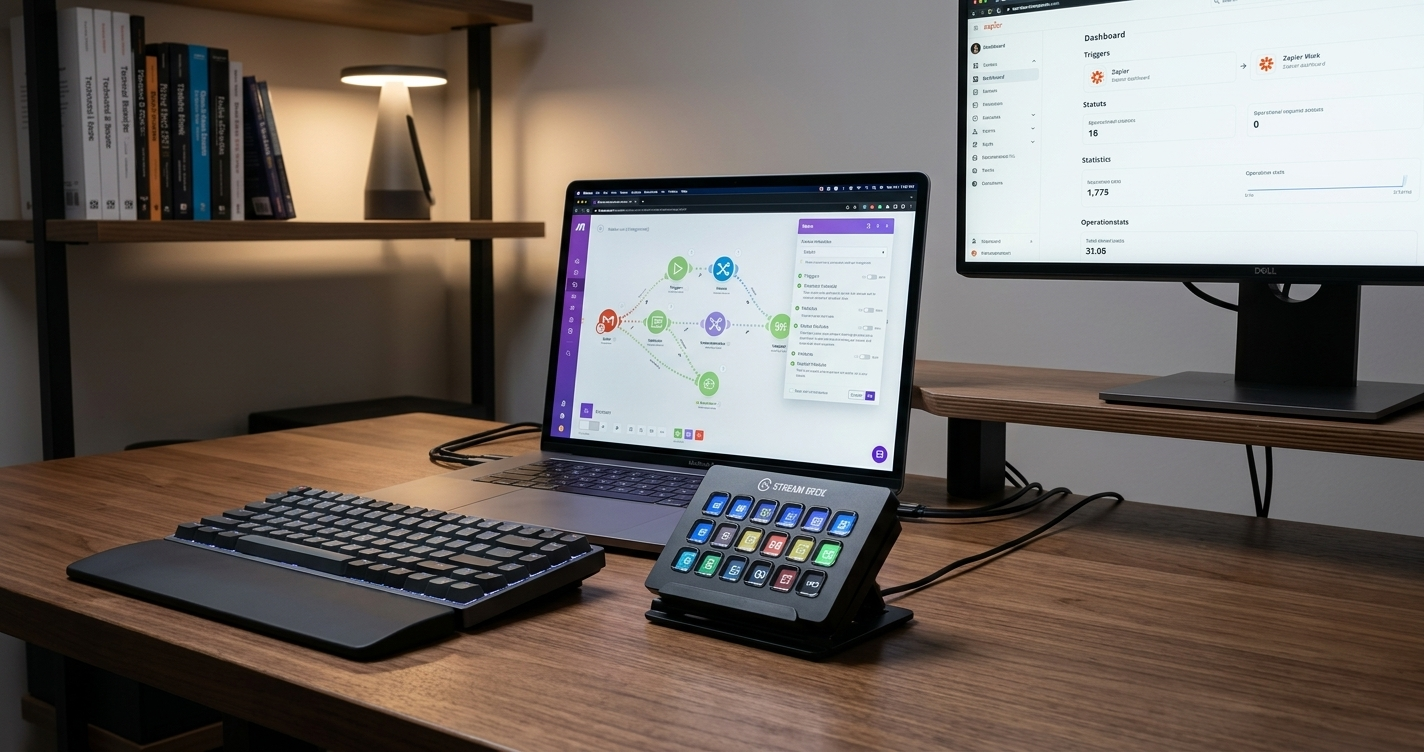
Every automation in this post can be triggered from a keyboard shortcut or a scheduled time — but the Stream Deck makes triggering them physical, tactile, and instant. Each of the 15 LCD keys is fully programmable: one tap launches your morning workspace, another fires your focus mode, another runs your end-of-day shutdown sequence. It integrates natively with Raycast, Apple Shortcuts, Zapier webhooks, and dozens of apps directly. For remote workers who've built an automation stack, the Stream Deck is the control panel that ties it together. It's also genuinely satisfying to use in a way that a keyboard shortcut just isn't.
As an Amazon Associate, we earn from qualifying purchases. This helps support our blog at no extra cost to you.
 Trusted marketplace
The Automation Mindset
Here's the thing about building an automation stack.
The individual time savings — 30 seconds here, 2 minutes there — aren't really the point.
The point is that every automation represents a decision you no longer have to make, a task you no longer have to remember, a context switch that no longer happens.
The cognitive overhead of managing a complex remote workday is real and largely invisible. You don't notice the cost of the individual moments. You just notice, at the end of the day, that you're more tired than the work seems to justify.
Automation chips away at that overhead.
Not dramatically. Gradually.
The same way compound interest works — slowly, then suddenly.
You automate your deployments because manual deployments are expensive, error-prone, and beneath the pay grade of the people doing them.
Your workday deserves the same logic.